Turn travel notes, a text file, or a supported public article into a private trip draft. Platix extracts one editable day-by-day outline for you to review before it builds the trip.
Open itinerary import
On the landing page, find Existing itinerary and select Import an itinerary, or open itinerary import directly. See how it works opens the explanation page instead.
Sign in if prompted. Platix returns you to the import flow after authentication. If import is temporarily unavailable for your account, use manual planning instead.
Choose your source and select Create
Use Paste or upload for copied text or a file. Paste into the itinerary field, or select the Upload a file icon. Supported files are TXT, MD, VTT, and SRT, up to 2 MB. Pasted text can contain up to 250,000 characters. Remove a selected file before switching back to pasted text.
The optional Source field records attribution, such as a friend, guidebook, or link. Putting a URL there does not fetch the article.
To read a web page, choose Article link when available and enter the public article URL. Platix reads that page; it does not browse all the links on the website, sign in, bypass paywalls, or run JavaScript to reveal hidden content. If a page cannot be read, paste relevant text you have permission to use instead.
Add an optional Title, then select Create. This starts source processing, not final trip creation.
Do not include payment-card data, passwords, government ID numbers, private medical details, or supplier credentials. Raw sources are ordinarily deleted within 30 days; keep your own original if you need it later.
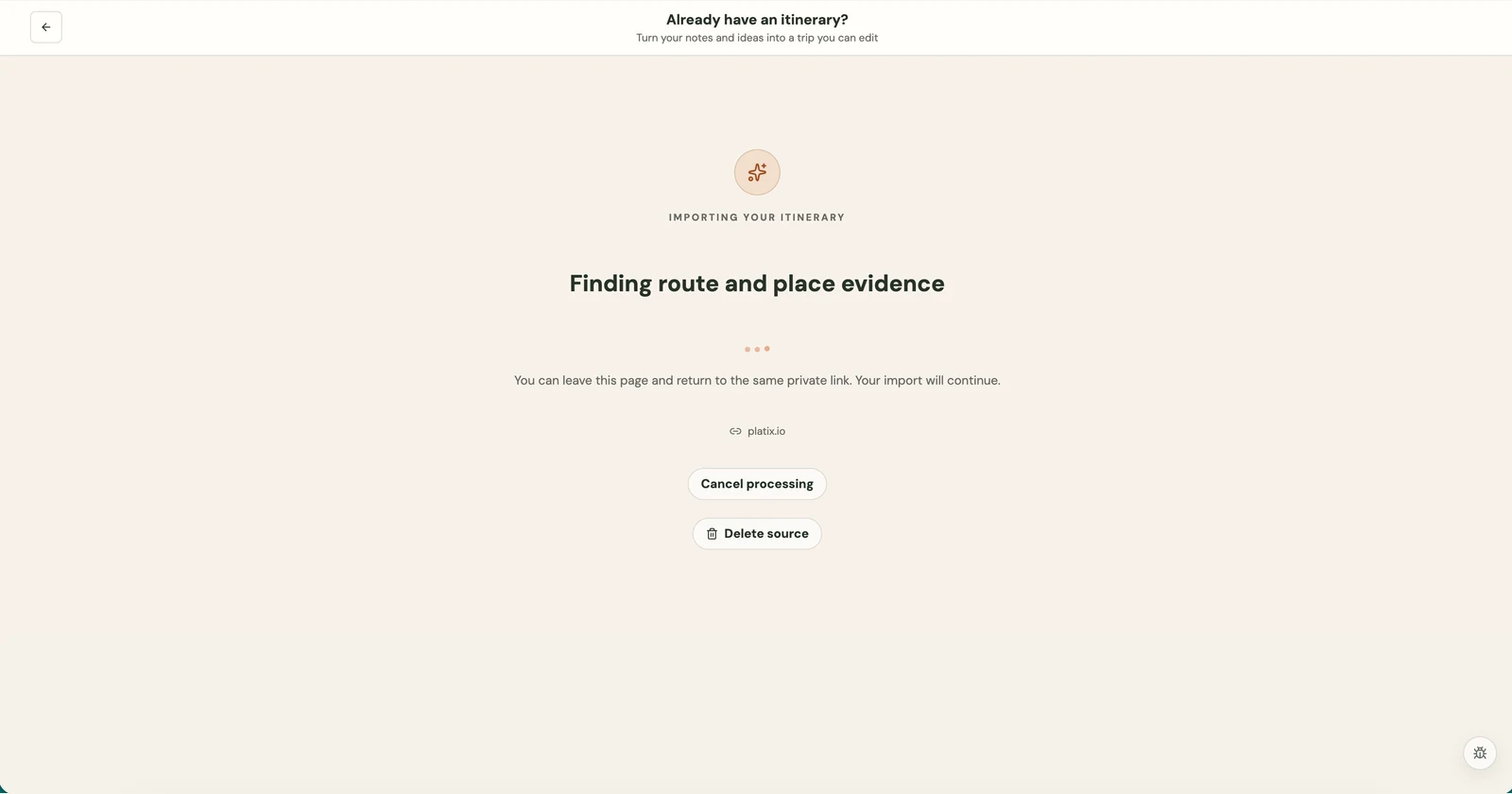
Review the extracted days and stops
Platix chooses a balanced, source-informed starting point and opens one editable outline. You do not need to choose a pace variant or source-fidelity mode before continuing.
Each row shows a numbered drag handle, the extracted city or region, the day title, and its stop count. Days start collapsed so you can scan the route without a long wall of details. Select a day row to reveal its sights, meals, transport items, or other stops, then select it again to collapse that day.
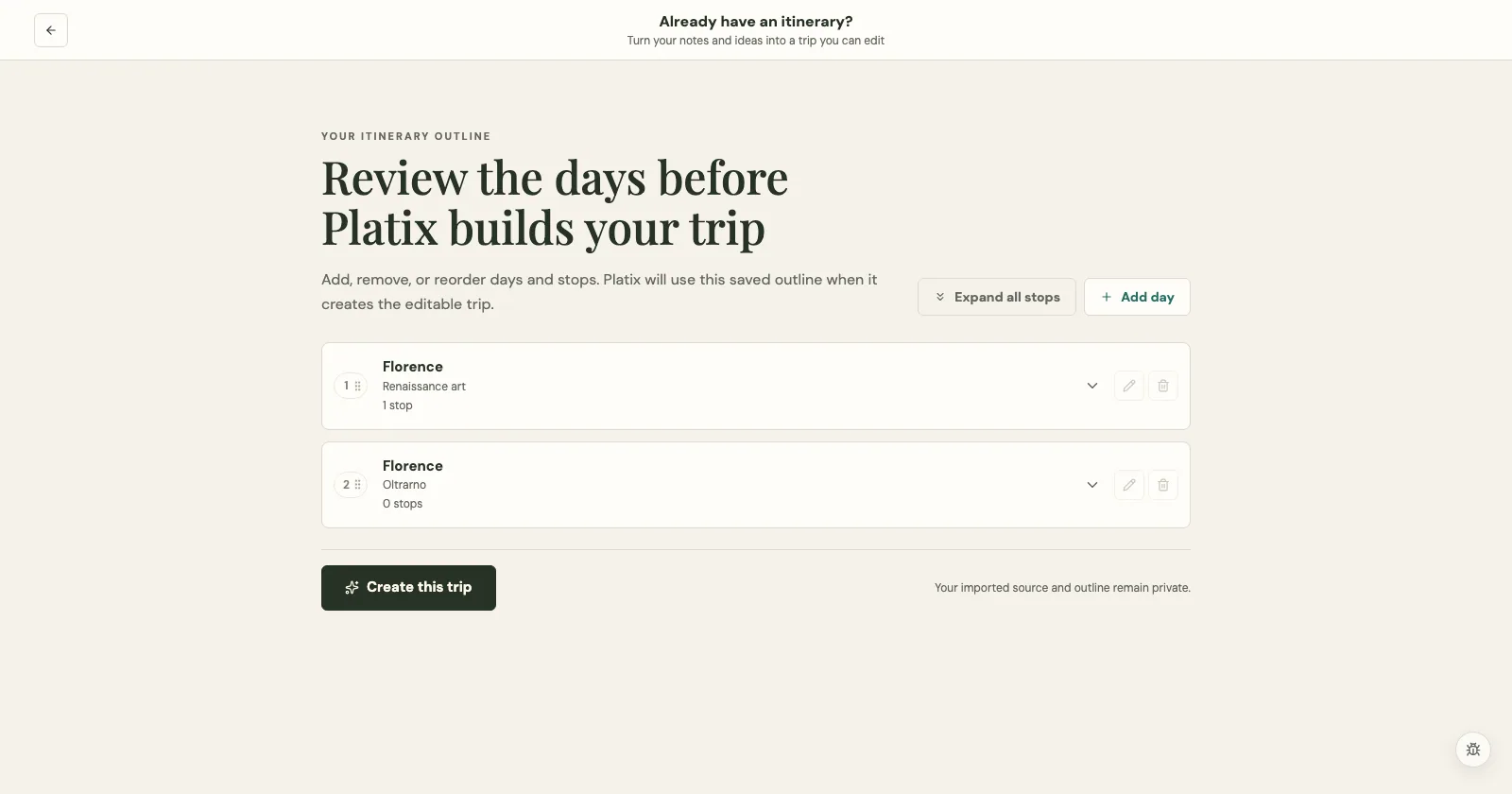
On this page you can:
- Select Add day to add another day.
- Drag a day's numbered handle to reorder it.
- Edit or remove a day with its pencil or trash control.
- Open a day to add, edit, or remove stops.
- Drag a stop's numbered handle to change its order within that day.
- Collapse individual days when you want to scan the overall route.
Changes save to the private outline as you make them. While a reorder is saving, its controls pause so the same change cannot be submitted twice. If the save fails, the list returns to its prior order. Removing a day also removes stops assigned to that day after you confirm the action. Fixed arrangements receive an additional warning before a structural change is saved.
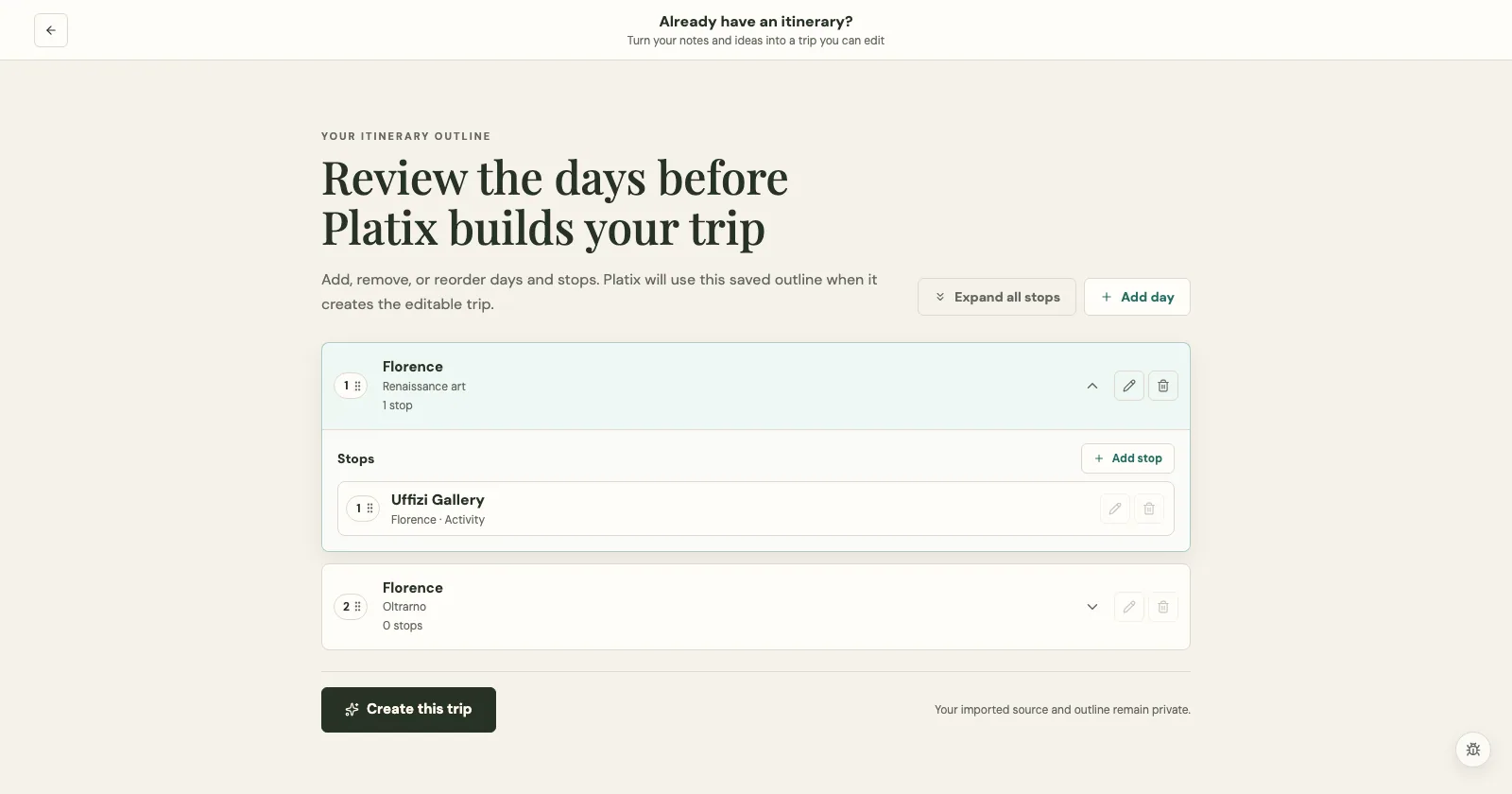
An extracted stop is source evidence, not proof of a verified Google place, reservation, or current opening hours. Check the resulting draft for anything that could not be verified or fit safely.
Create the trip
Select Create this trip once the days and stops look right. The outline becomes read-only while creation runs, and Platix shows an animated progress screen. The completed private trip opens automatically; there is no separate setup review page or Open trip step.
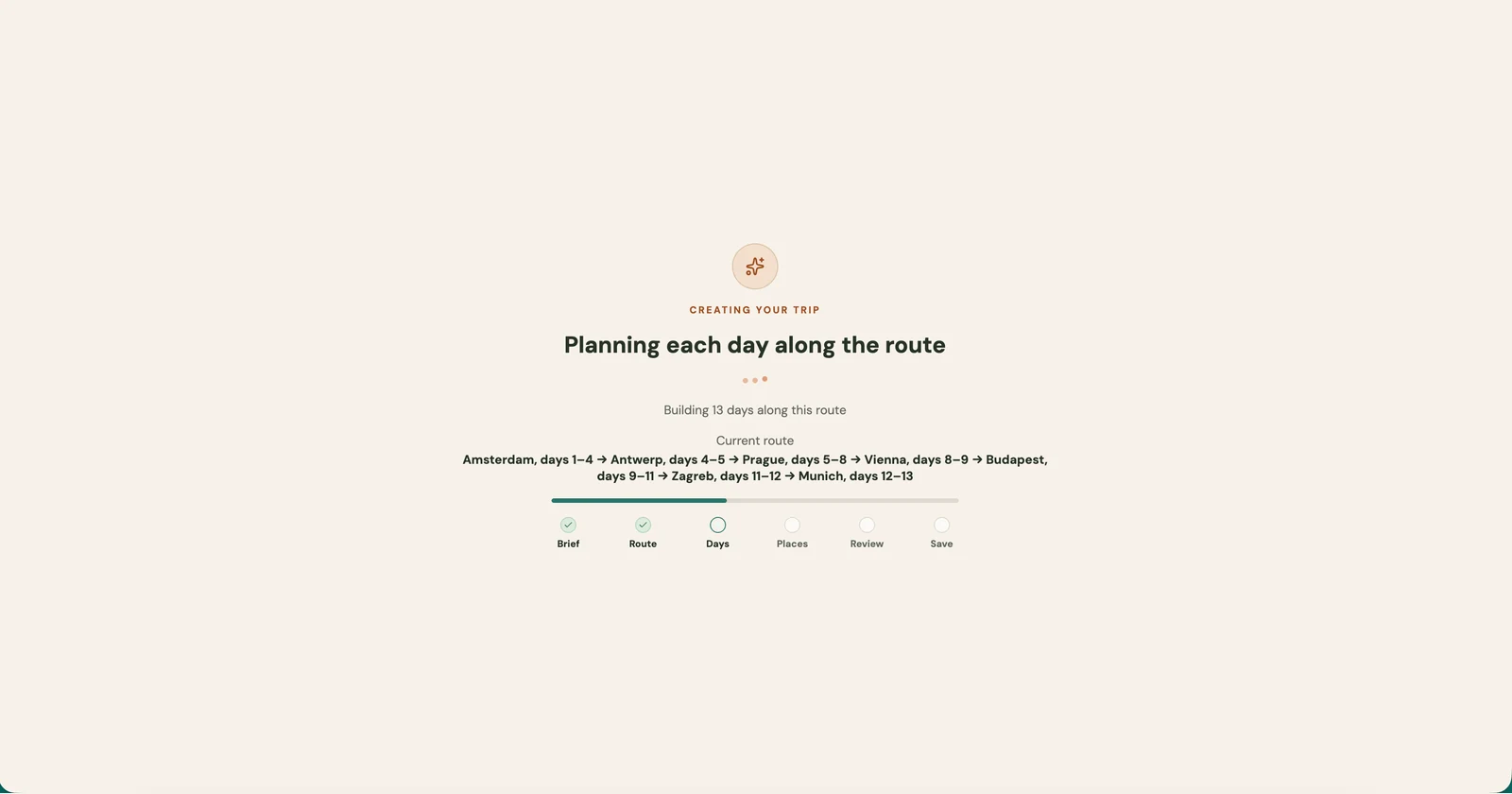
The imported trip starts private. Check its dates, overnight stays, place identities, stop order, transport, meals, and planning notes. Use trip review before relying on it or sharing it. You can keep editing in the normal trip workspace.
Resume, retry, or cancel
While processing or planning is running, you can return to the same private source URL. Keep that URL so you can resume instead of submitting the same source again. Access still requires the correct account.
For a retryable source failure, use Retry processing when offered. If the article is unsupported or blocked, change the source rather than repeatedly retrying the same URL. Cancel processing stops eligible source work; Delete source removes the source through a confirmation step. Neither is an undo button for a trip that has already been created.
PDF and collection imports are separate
This consumer flow does not accept PDF uploads. Agency members with PDF import access use agency PDF import, which has its own advisor review process. To use saved places in an existing trip, use collection import.