Use password reset when you cannot sign in to an email-and-password account.
Request a reset link
- Open the sign-in dialog.
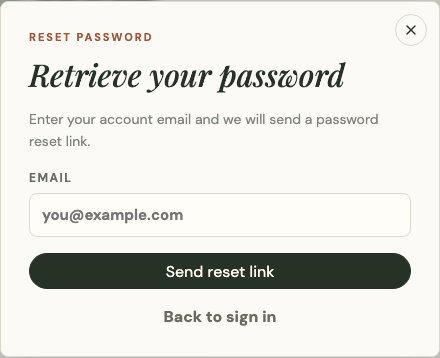
- Select Forgot password.
- Enter the account email.
- Submit the request.
- Open the Platix reset email and follow its link.
For privacy, the confirmation screen should not reveal whether an email belongs to an account. Check spam or filtered mail if the message does not arrive.
Choose a new password
The reset link returns you to Platix in a short-lived recovery session. Enter a new password that meets the displayed minimum length, enter it again to confirm there is no typo, and save it.
Use only the most recent reset email. A link can expire or become invalid after it is used. Request a new one rather than forwarding the link or sharing it with support.
Google accounts
If you sign in only through Google, password recovery is managed by Google. Return to Platix and select Continue with Google after recovering access there.